Build Track (Smart Generator& Tool Locator)
Role: UX Designer | Timeline: May 2026 – July 2026 | Tools: Figma, Uizard | Platform: Responsive web (desktop & mobile)
Overview
Build Track is a mobile-first equipment tracking app designed for construction crews to quickly locate tools, monitor asset status, and reduce downtime caused by misplaced equipment.
On active job sites, tools like generators and specialty equipment are frequently moved between teams, leading to confusion, delays, and lost productivity.
This project focuses on improving visibility, communication, and speed in high-pressure field environments.
Problem:
Problem Statement:
Research & insights:
Construction crews often lose valuable time searching for tools and equipment that have been moved without clear tracking.
Current methods rely on:
Verbal communication
Manual checklists
Informal updates between crews
This leads to:
Lost productivity
Delays in task completion
Lack of equipment visibility for supervisors
Frustration across teams
Construction foremen and crew members need a fast and reliable way to locate and manage equipment because current tracking methods are manual and inconsistent, resulting in downtime and reduced efficiency.
Research
As someone currently working in construction, I had direct insight into the environment and user behavior. However, I validated assumptions through conversations with other construction professionals and competitive analysis to ensure findings reflected broader user needs.
Methods
Personal industry experience
Conversations with 3–4 construction professionals
Competitive analysis of equipment tracking tools
Observation of job site workflows
Key Insights
Speed is more important than advanced features
Existing apps are difficult to use with gloves and in outdoor conditions
Workers need instant visibility of equipment status (fuel, battery, availability)
Maintenance and scheduling workflows are often too complex
Search is preferred over navigation-based browsing
Define:
How Might We?
Design Process:
Key Design Decisions:
Primary User: Construction Foreman
Goals
Quickly locate equipment
Reduce downtime across crews
Maintain visibility of job site assets
Frustrations
Equipment frequently moved without notice
Time wasted searching for tools
Limited insight into equipment status
How might we help construction crews locate equipment in under 30 seconds without disrupting their workflow?
The design focused on optimizing speed, clarity, and usability in harsh field environments.
1. Glove-Friendly Interface
Increased button sizes and spacing to support use in work environments.
2. Search-First Navigation
Prioritized equipment ID search over map browsing to reduce time-to-location.
3. Equipment Status Visibility
Added battery, fuel, and maintenance indicators directly to equipment cards.
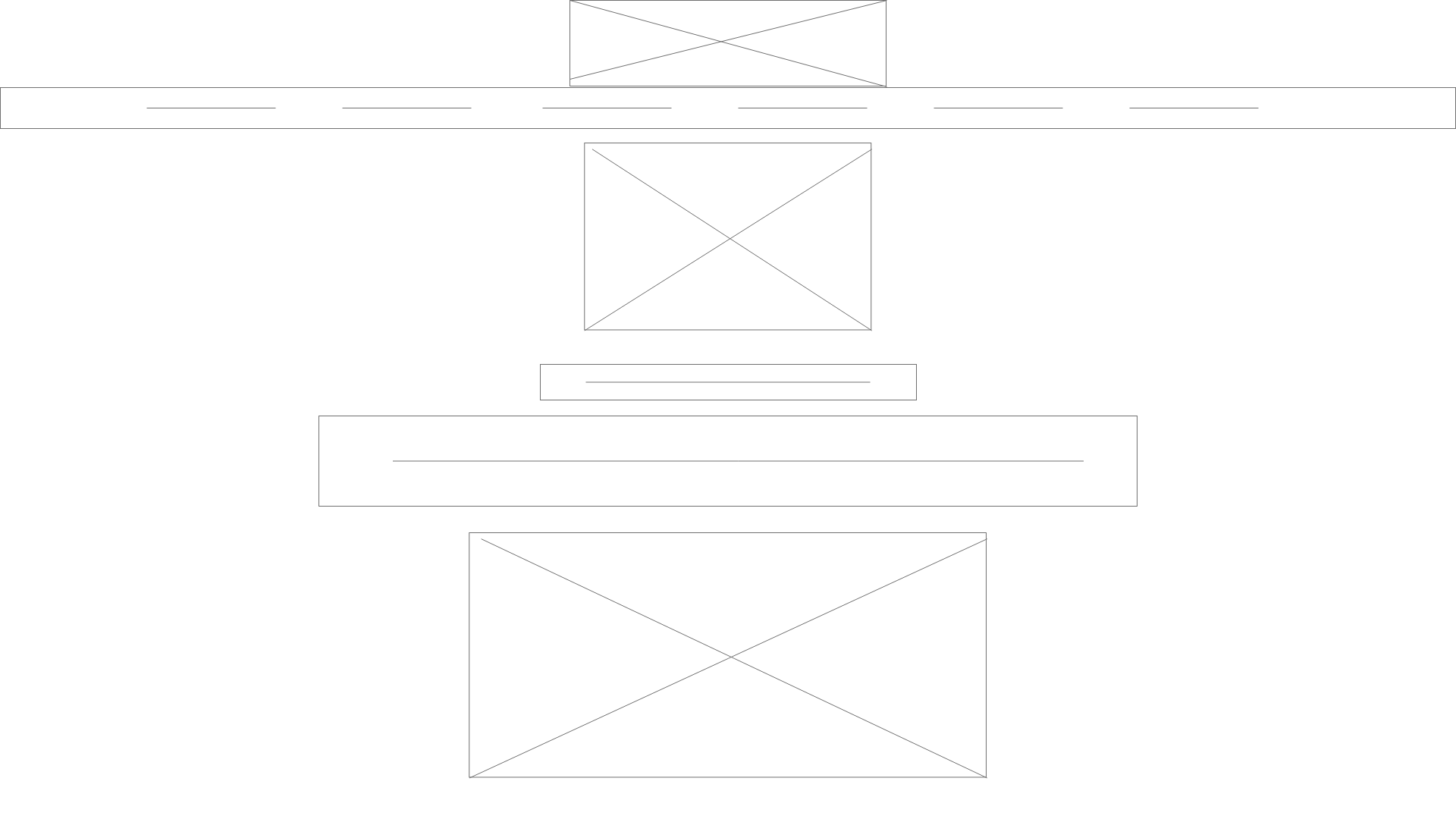
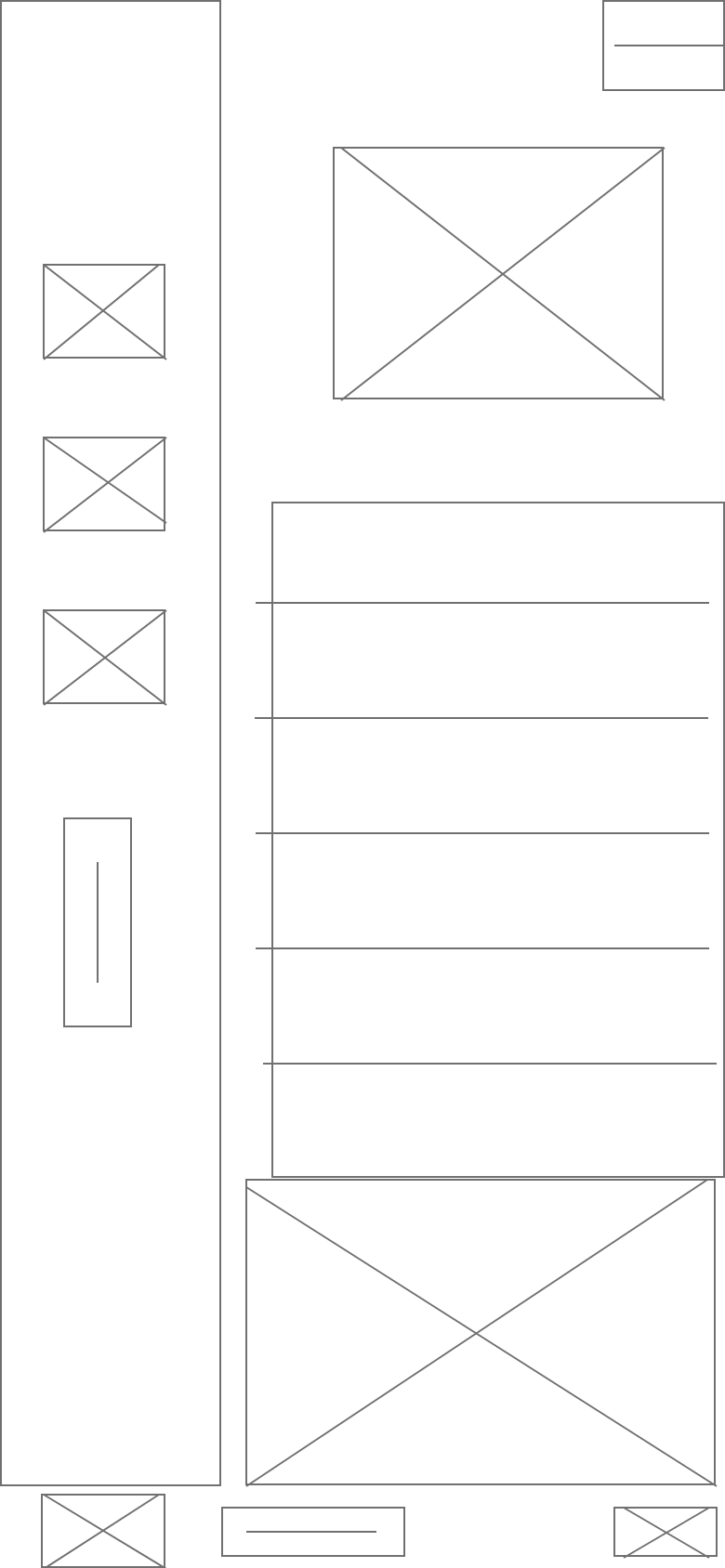
Wireframes focused on creating a clear visual hierarchy that guided users from understanding the service to taking action. Iterations were made to improve content clarity and CTA visibility based on feedback.
Reflection
This project reinforced the importance of designing for environment, not just screens.
Unlike typical digital products, construction tools must account for:
Gloves
Bright sunlight
Time pressure
Limited connectivity
Next Steps
If continued, I would explore:
Offline functionality
QR code scanning for equipment
Push notifications for equipment movement
Crew-based equipment assignment features